Print and binder guide
Make your own binder.
Want every track in one place for the next track day? Put the workbooks in a binder. Here's how to do it, with a cover, back page and spine you can print for free.
- Print the workbooks for your tracks, one side of the paper.
- Punch the top edge. Every newer page keeps a blank strip there for the holes.
- Pick a binder that fits. The table below does the math.
- Slide in the cover, back page and spine strip.
- Bring it to the track, and leave it in the paddock.
What to print
Every layout of every track has its own workbook. Find your track on the Tracks page, pick the layout you drive, and hit Download the workbook.
Each workbook goes in the same order:
- The cover: the whole lap with every turn numbered.
- One page per turn, in order, with room for your notes.
- The Session Log & Notes page, for right after each session. Print a few extra.
A typical workbook is 16 pages. The shortest is 5 (Pocono Raceway, Oval Course) and the longest is 37 (Virginia International Raceway, Grand West Course).
Only drive one layout? Print just that one. Layouts don't share pages, so each workbook stands on its own.
Find your trackWhat size binder
Worked out from the real page counts on the site today, so it stays right as tracks get added.
| What goes in | Sheets | Binder | In sheet protectors |
|---|---|---|---|
| One layouta typical workbook | 16 | 1 in | 1 in |
| The longest layoutVirginia International Raceway, Grand West Course | 37 | 1 in | 1 in |
| One track, every layouta typical track | 25 | 1 in | 1 in |
| The biggest track, every layoutThunderhill Raceway Park, 10 layouts | 170 | 1 in | 1.5 in |
| Midwest, main layout of each track9 tracks | 141 | 1 in | 1.5 in |
| Midwest, every layout16 layouts | 238 | 1.5 in | 2 in |
| Every hand-drawn track, main layout10 tracks | 162 | 1 in | 1.5 in |
| Every hand-drawn layout16 layouts | 244 | 1.5 in | 2 in |
| Every track, main layout33 tracks | 594 | Two 3 in binders | Two 3 in binders |
| Everything on the site81 layouts | 1340 | Three 3 in binders | Five 3 in binders |
- Sizes are for D-ring or slant-ring binders, filled to about 80% so the pages still turn easily. Round rings hold less, so go one size up.
- Sheets count one divider per track. With sheet protectors I count two pages back to back in each one, so every page takes about 1.75 times the room.
- Hand-drawn means the maps without a star: the ones I've already redrawn by hand, corner by corner. The Midwest tracks are on the Midwest page.
- Room to grow is never a bad idea. If you're on the line between two sizes, take the bigger one.
Cover, back page and spine
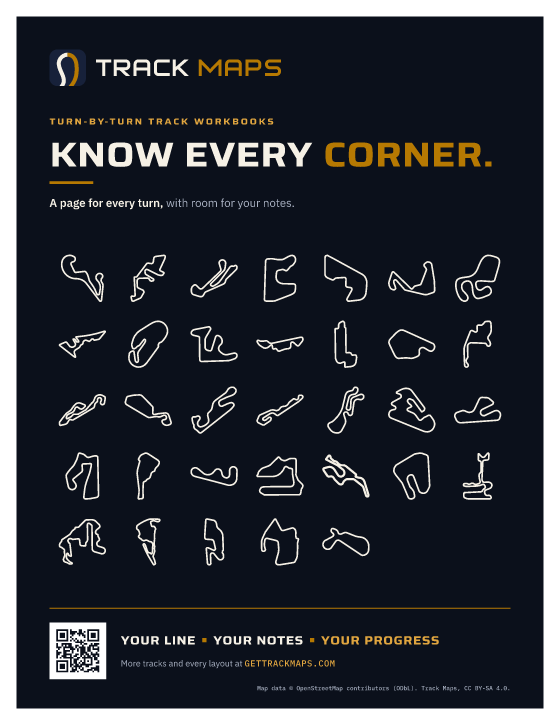
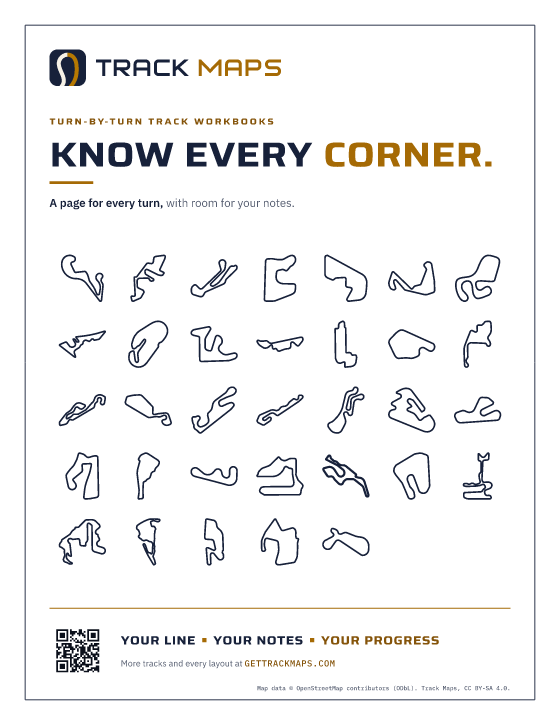
Free to print. They fit the clear pockets of a standard view binder. Pick a look:
Night
Dark, like the binders I give away. Heavy on ink, looks great on a shelf.

Paper
White with navy type. Easy on ink, and every home printer handles it.


How to print and trim
- Print at actual size (100%), not Fit. The spine strips need their real width. Every insert keeps a white edge, so nothing gets cut off.
- Use cardstock if you have it. It slides into the pockets easier. Plain paper works too.
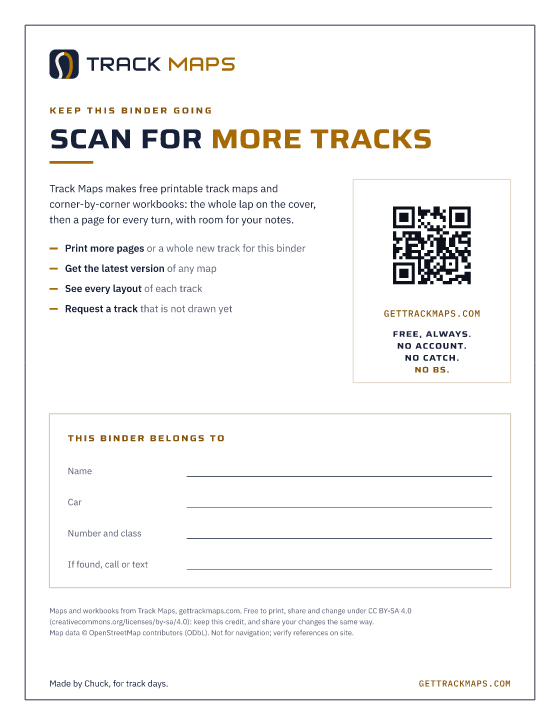
- Covers need no trimming. The white border is on purpose. Write your name and car on the back page, then slide it in the back pocket and the front cover in the front one.
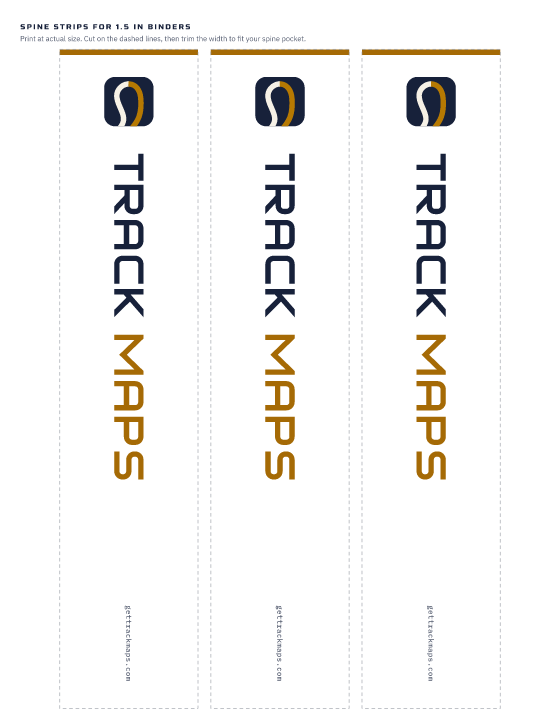
- Spines: the PDF has one page per binder size (1, 1.5, 2 and 3 in). Print the one you need, cut on the dashed lines, measure your spine pocket and trim the strip to fit. Slide it in from the top.
Not sure? Print on plain paper first and hold it up to your binder.
A cover for one track
The track's outline, its layouts with their page counts, and a code to its page. It works as that track's divider page too.

Pick your track (33)
Midwest
- Autobahn Country Club Night cover for Autobahn Country Club (PDF) Paper cover for Autobahn Country Club (PDF)
- Blackhawk Farms Raceway Night cover for Blackhawk Farms Raceway (PDF) Paper cover for Blackhawk Farms Raceway (PDF)
- Brainerd International Raceway Night cover for Brainerd International Raceway (PDF) Paper cover for Brainerd International Raceway (PDF)
- GingerMan Raceway Night cover for GingerMan Raceway (PDF) Paper cover for GingerMan Raceway (PDF)
- Grattan Raceway Night cover for Grattan Raceway (PDF) Paper cover for Grattan Raceway (PDF)
- Indianapolis Motor Speedway Night cover for Indianapolis Motor Speedway (PDF) Paper cover for Indianapolis Motor Speedway (PDF)
- Mid-Ohio Sports Car Course Night cover for Mid-Ohio Sports Car Course (PDF) Paper cover for Mid-Ohio Sports Car Course (PDF)
- Putnam Park Road Course Night cover for Putnam Park Road Course (PDF) Paper cover for Putnam Park Road Course (PDF)
- Road America Night cover for Road America (PDF) Paper cover for Road America (PDF)
Northeast
- Lime Rock Park Night cover for Lime Rock Park (PDF) Paper cover for Lime Rock Park (PDF)
- New Jersey Motorsports Park Night cover for New Jersey Motorsports Park (PDF) Paper cover for New Jersey Motorsports Park (PDF)
- New York Safety Track Night cover for New York Safety Track (PDF) Paper cover for New York Safety Track (PDF)
- Palmer Motorsports Park Night cover for Palmer Motorsports Park (PDF) Paper cover for Palmer Motorsports Park (PDF)
- Pocono Raceway Night cover for Pocono Raceway (PDF) Paper cover for Pocono Raceway (PDF)
- Watkins Glen International Night cover for Watkins Glen International (PDF) Paper cover for Watkins Glen International (PDF)
South
- Atlanta Motorsports Park Night cover for Atlanta Motorsports Park (PDF) Paper cover for Atlanta Motorsports Park (PDF)
- Barber Motorsports Park Night cover for Barber Motorsports Park (PDF) Paper cover for Barber Motorsports Park (PDF)
- Carolina Motorsports Park Night cover for Carolina Motorsports Park (PDF) Paper cover for Carolina Motorsports Park (PDF)
- Charlotte Motor Speedway Night cover for Charlotte Motor Speedway (PDF) Paper cover for Charlotte Motor Speedway (PDF)
- Circuit of the Americas Night cover for Circuit of the Americas (PDF) Paper cover for Circuit of the Americas (PDF)
- Daytona International Speedway Night cover for Daytona International Speedway (PDF) Paper cover for Daytona International Speedway (PDF)
- NCM Motorsports Park Night cover for NCM Motorsports Park (PDF) Paper cover for NCM Motorsports Park (PDF)
- NOLA Motorsports Park Night cover for NOLA Motorsports Park (PDF) Paper cover for NOLA Motorsports Park (PDF)
- Road Atlanta Night cover for Road Atlanta (PDF) Paper cover for Road Atlanta (PDF)
- Roebling Road Raceway Night cover for Roebling Road Raceway (PDF) Paper cover for Roebling Road Raceway (PDF)
- Sebring International Raceway Night cover for Sebring International Raceway (PDF) Paper cover for Sebring International Raceway (PDF)
- Talladega Gran Prix Raceway Night cover for Talladega Gran Prix Raceway (PDF) Paper cover for Talladega Gran Prix Raceway (PDF)
- Virginia International Raceway Night cover for Virginia International Raceway (PDF) Paper cover for Virginia International Raceway (PDF)
West
- Sonoma Raceway Night cover for Sonoma Raceway (PDF) Paper cover for Sonoma Raceway (PDF)
- The Thermal Club Night cover for The Thermal Club (PDF) Paper cover for The Thermal Club (PDF)
- Thunderhill Raceway Park Night cover for Thunderhill Raceway Park (PDF) Paper cover for Thunderhill Raceway Park (PDF)
- WeatherTech Raceway Laguna Seca Night cover for WeatherTech Raceway Laguna Seca (PDF) Paper cover for WeatherTech Raceway Laguna Seca (PDF)
- Willow Springs International Motorsports Park Night cover for Willow Springs International Motorsports Park (PDF) Paper cover for Willow Springs International Motorsports Park (PDF)
What you need
Nothing fancy. Most of it is at any office store.
-
A view binder with D or slant rings
The kind with clear pockets on the front, back and spine.
Why: The pockets take the cover and the spine strip. D rings let the pages lie flat and hold more than round rings.
-
A 3-hole punch
Any standard one. One that takes 20 sheets at a time saves a lot of punching.
Why: Pages keep a blank strip along the top edge for the holes.
-
Dividers, one per track
Tabbed dividers, one tab per track. With sheet protectors, get extra-wide ones, made to stick out past a protector.
Why: Find a track in two seconds. Normal tabs hide behind sheet protectors.
-
Heavyweight sheet protectors (optional)
Top-loading, 3-hole punched, heavyweight.
Why: Rain, sweat and coffee. You can write on them with a dry-erase marker or a grease pencil; try one first.
-
Paper and cardstock
Normal 20 lb copy paper is fine for the workbooks; 24 lb is a bit sturdier. 65 lb cardstock for the cover, back page and spine.
Why: Cardstock slides into the clear pockets more easily and stays flat.
-
All-weather paper (optional)
Waterproof printer paper. Most of it only works in laser printers, so check the pack.
Why: For wet paddocks. Pencil works best on it.
-
A pencil, and a grease pencil
Pencil for paper. A grease pencil (china marker) for sheet protectors.
Why: Pencil erases when your brake point moves. Grease pencil wipes off a protector with a dry cloth.
-
A storage clipboard (optional)
An aluminum clipboard with a lid.
Why: Keeps the pages you need today dry and in one place in the paddock.
The binder, the clipboard and the pencil stay in the paddock. Never in the car on track: tech will tell you to take everything loose out anyway. Read it before you go out, write in it when you come in.
Questions
- Can I print these at a print shop?
- Yes. Bring the PDFs and ask for US Letter at actual size, with cardstock for the cover, back page and spine. Nothing runs to the edge, so there's no bleed to set up. The only cutting is the spine strips.
- Can I hand out binders at my event, school or club?
- Yes, please. The maps are CC BY-SA 4.0 (opens in a new tab): keep the credit on the pages and on the back page so people know where they came from, and if you change a map, share your version the same way. I'd love to hear about it: charles@gettrackmaps.com.
- Why do the holes go along the top?
- The pages are landscape, so the holes go along the long top edge. With the rings at the top, the pages flip up like a calendar and you see the whole map at once.
- Do I need sheet protectors?
- No. They're nice in the rain, and you can write on them with a grease pencil, but they take almost twice the room. Plain pages in pencil work great.
- My printer cuts off the edge of the map.
- Print the workbook with Fit (or Fit to printable area) instead of Actual size. The inserts on this page are the other way around: actual size.